Tampilkan postingan dengan label Google Tricks. Tampilkan semua postingan

Convert Any YouTube Videos to mp3 Easily

Posted by Unknown Rabu, 12 Februari 2014 0 komentar
Convert your favorite YouTube videos in most easiest way. You do not need an account, the only thing you need is a YouTube URL. 
youtube2mp3
We will start to convert the audio track of your video file to mp3 as soon as you have submitted it and you will be able to download it. 

Different from other services the whole conversion process will be performed by our infrastructure and you only have to download the audio file from our servers. 

Because of this our software is platform-independent: You can use it with your Mac, a Linux PC or even an iPhone. 

All our conversions will be performed in high quality mode with a bitrates of at least 128 kBit/s. Do not worry, our service is completely free. We need approximately 3 to 4 minutes per video.

To Convert Your Files: Click here 


See also: Download YouTube Videos Using OperaMini Mobile Browser!


Thank you for reading our articles, please share with your friends you got something useful here.

Baca Selengkapnya ....

Play Android Apps & Games On Your Windows or Mac pc

Posted by Unknown Sabtu, 05 Januari 2013 0 komentar
Do you love to play android games on Google Play or Play Store? If so, here I m going to show you how to play android games or play store games on your Windows desktop or Mac PC.
Android+Windows7
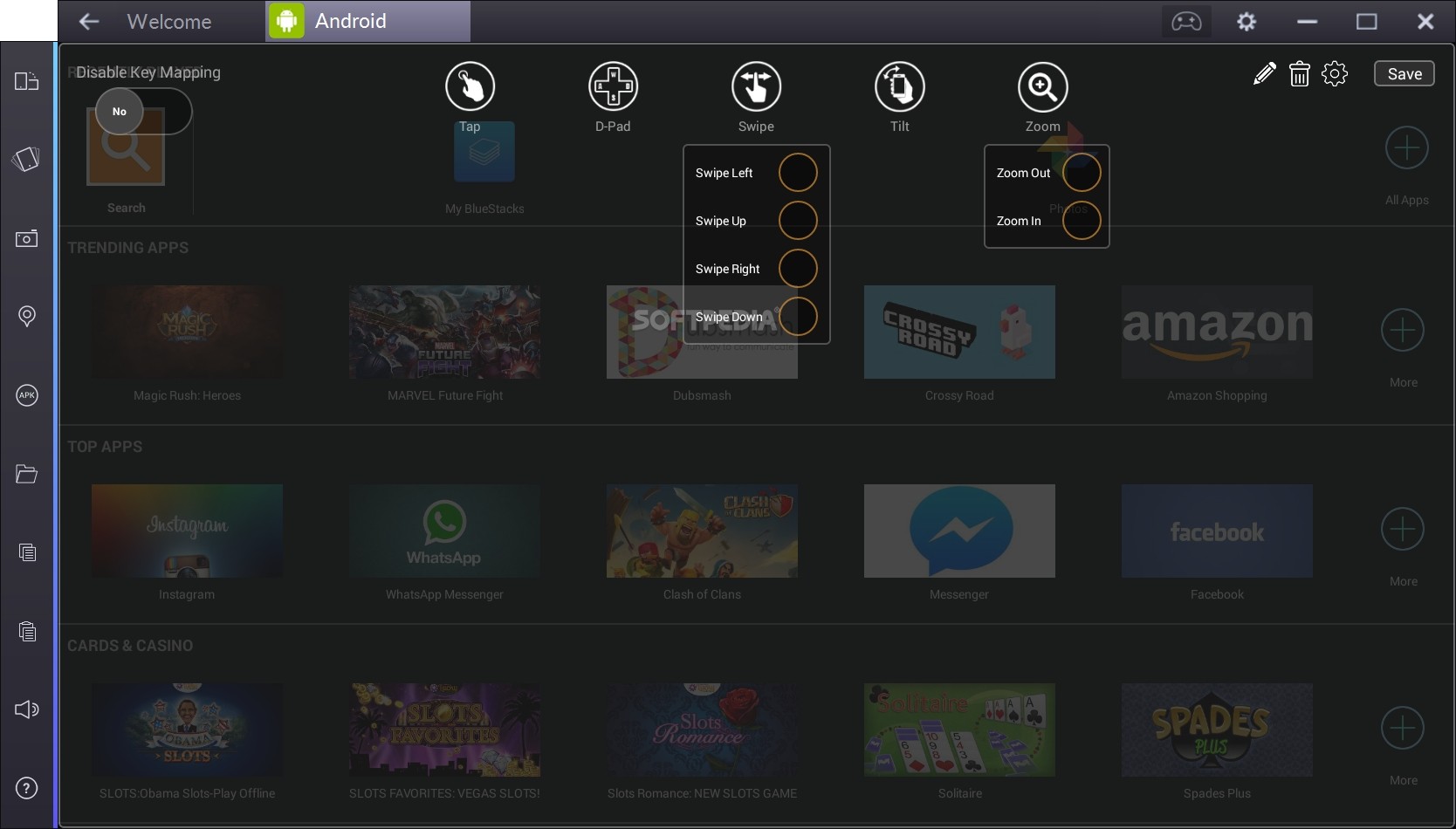
The ‘BlueStacks’ are giving the android advantages for windows and Mac users. By using this program you can run any android apps or play all android games on your desktop computer. You just need to install a 8 MB software on your computer. And then you are free to play any android games from play store on your PC.
The key feature : BlueStacks App Player lets you run apps from your phone fast and full screen on Windows and Mac.

Let’s Start:
1. Download BlueStacks App Player.
2. Install on your PC.
Installing BlueStacks
How it Looks
3. Now enjoy the android advantages.
Thank you so much for your patient and read this article. Please feel free to comment if you like this software or have any questions or suggestion!

Baca Selengkapnya ....

Top 10 Ultimate Google Search Engine Hacks

Posted by Unknown Senin, 25 Juni 2012 0 komentar
Google is considered as the search giant of Internet. Most of the people prefer using Google over other search engines like Yahoo, Bing; etc. due the highly relevant results of Google.
Now what to do when even Google is not providing you with what you want ?
Certainly you will feel that you have reached the end and there is no way that you can get the type of result you want. Nothing to worry..!
Google Search Hack
By TopOne
Just don't loose your hope, because now I’ll tell you some Google hacks that will help you to get your desired result. You will find these hacks very useful in your everyday Google search uses and you can also amuse your friends by telling these Google hacks and certainly they will be amazed by the knowledge.

Now here is a list of Google Hacks with their usability:
Type these searches in Google

1. link:url

This will give the list of sites that links to a particular site.

Example:

link:www.download.com

It will give the list of all sites linking to www.download.com

2. related:url

This search will give you all sites related to the url you have entered in the above query.

3. site:domain

This will show all the pages of the Domain you enter in the above query.

4. allinurl:search term

This will show only those results in whose url your search term will appear exactly.

5. Inurl:search term

This is similar to the query allinurl but it will search only the first word of search term in url and the rest of the words will be searched in the page.

6. allintitle:search term

This will show only those sites which have your search term in the tittle of website.

7. Intitle:search term

This will show only those sites which have your first word of search term in tittle and the rest of the words in their page.

8. spell:search term

This will check your search term for spelling mistakes and automaticallyperform search in google with correct words.

9. stocks:search term

This will show all the results with your your query in the stock index.

10. filetype:extension search term

This is one of the most useful queries.It will provide you only those sites which provides a document of your extension type and having your search term in it.

Example:

Filetype:ppt environment

It will show all ppt files in which the environment word is used. This type of search is extremely useful for finding presentations(ppt or pptx) and e books(pdf)

Feel free to comment if you got somethings useful !


Baca Selengkapnya ....

Use Google To Get Almost Any Software Serial Keys N Keygen !

Posted by Unknown Sabtu, 09 April 2011 0 komentar
Hey Guys ! Let’s learn one more cool Google Tricks.
Google Girl Logo

Most of the people downloading trial and using it, only after the expiration of trial they try for crack, Serial No, Keygen, Patch.

But many don't known where to get Serial No, Some websites may be infect your system with Trojan horse, Viruses, Ad ware, Spy ware.

So.. for beginners this is a simply way to find hack with less effort and it saves time too. But make sure you have anti virus activated before trying to get some Serials, Patches to avoid data loss.

Just follow the steps as instructed below:

1) Go to Google.com
2) type this syntax in search bar " 94FBR"
3) Replace Product name with desired software and leave a space then type 94FBR…see example:
94fbr kaspersky
94fbr nero
94fbr winrar
94fbr avast
94fbr adobe Photoshop

etc
4) Press enter, that’s it !

Now you receive many pages which contain Serial no, Crack, Patches....

Know what is really 94FBR ?
94FBR was part of a Microsoft Office 2000 product key that was released on the internet that bypassed Microsoft’s activation system. Because it is a relatively uncommon term, when you add it to your search queries, it will generally return results of pages listing illegal serial numbers.

Just make a try, this simple trick works for many people.
Enjoy the tricks & leave a comment if this was useful to you !

Baca Selengkapnya ....

How To Search Faster In Internet, Find What You Need Fast, Accurately.

Posted by Unknown Kamis, 07 April 2011 0 komentar
I just want to share hot tricks to search files in internet with the easier way and faster way.. Because it’s too many information present in internet. I hope it will help you a lot.

Google fast search

For example: you are in Google, and finding a program. like.... "Photoshop Cs5"
using a hotfile premium account. The problem is you don’t know where to download it.

Here’s a easier way of find it.

1. Type the name of program you are looking in Google search bar.
For example: Photoshop
2. Press enter.
3. Then there are many result will come out.
4. Now add "hotfile.com" in the end of the name of what you searched.

Like this.

Photoshop then to this>> Photoshop hotfile.com

press enter again and you will see all the sites, forums where you can download that program with "hotfile" weee.!


other examples:
cr@@gle to>>> gr@@gle rapidshare.com
metalica to >>> metaliva mp3
hirens boot USB to >> hirens boot USB mediafire.com


Enjoy The Tricks & Fell Free To Comment In The Box Bellow ! !

Baca Selengkapnya ....
Trik SEO Terbaru support Online Shop Baju Wanita - Original design by Bamz | Copyright of android amazon.